
Order by 20 December for delivery by Christmas Eve.
Gift finder · Christmas 2026
Gifts for the outdoors
Swipe through 1122 ideas. The finder learns as you go.

Ideas to start with
With JavaScript switched on you can swipe through all ideas here.
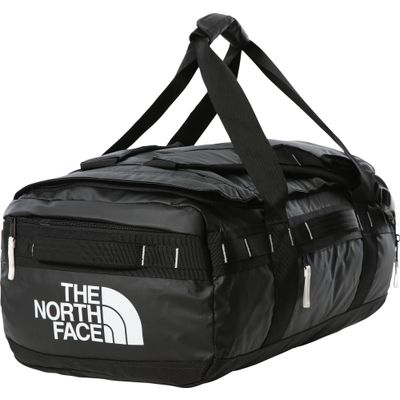 The North FaceBase Camp Voyager Duffel 42LView in shop →
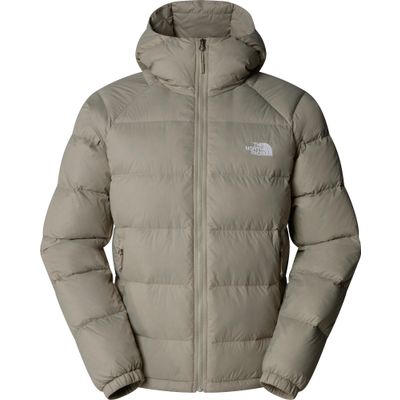 The North FaceMens Hydrenalite Down HoodieView in shop →
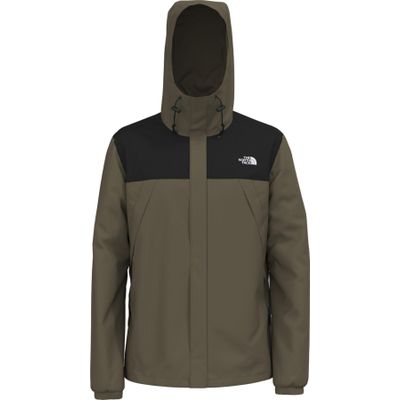 The North FaceMens Antora JacketView in shop →
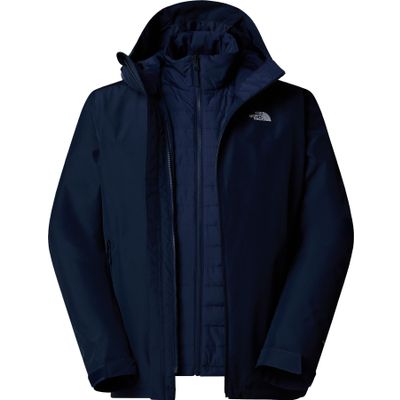 The North FaceMens Carto Mono Triclimate Hooded JacketView in shop →
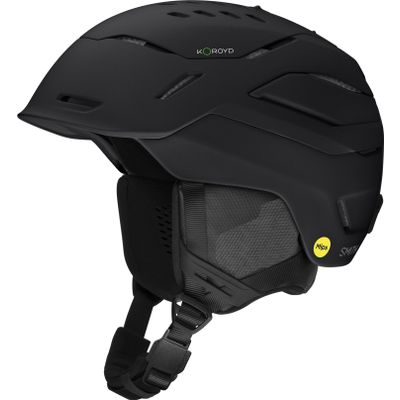 SmithVantage 2 MipsView in shop →
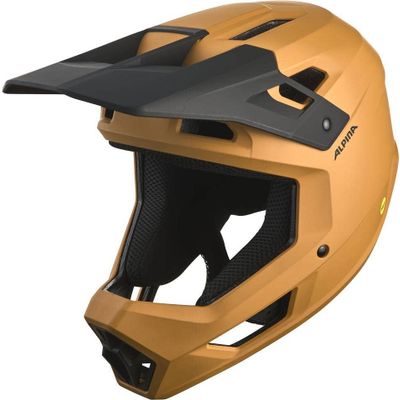 AlpinaPikes MipsView in shop →
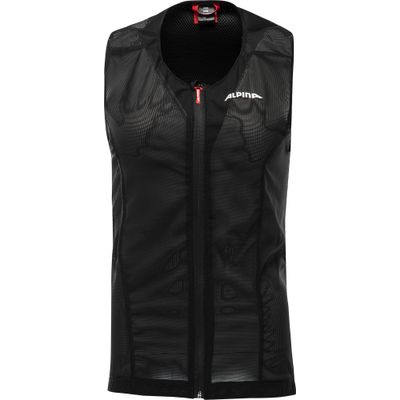 AlpinaProshield Junior VestView in shop →
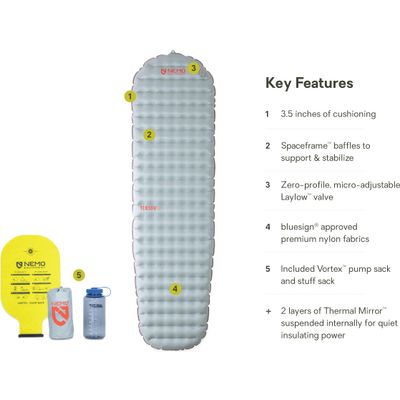 NemoTensor All-seasonView in shop →
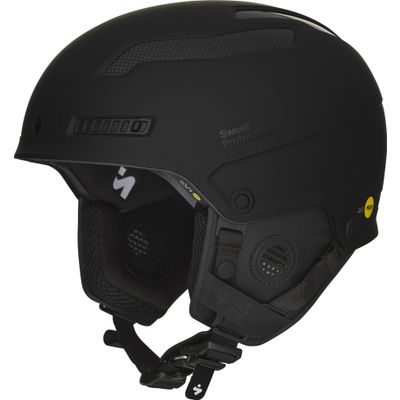 Sweet ProtectionTrooper 2Vi Mips HelmetView in shop →
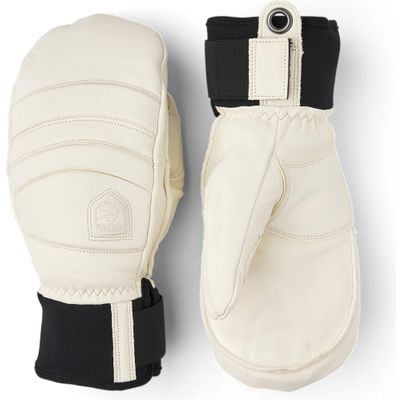 HestraFall Line - MittView in shop →
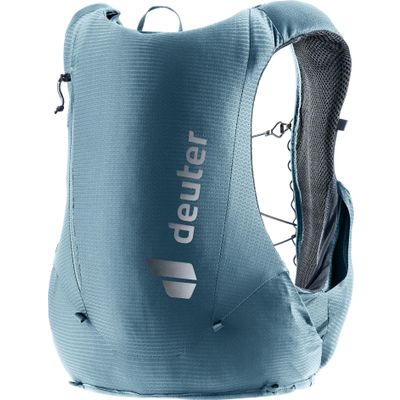 DeuterTraick 5View in shop →
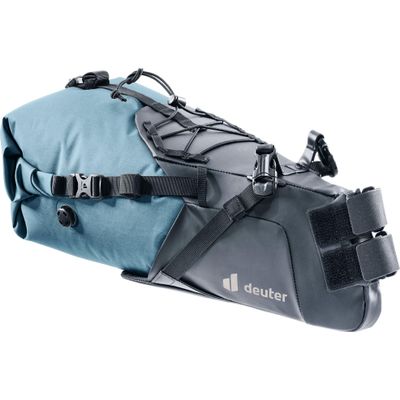 DeuterCabezon SB 16View in shop →
Right means: more like this. Left means: something else. Tap the heart to put an idea in your gift box. The finder learns which worlds, kinds of gift and price ranges you like and sorts the next cards accordingly.
How the finder works
Every card shows a product that is in stock today, with its shop price. Swipe right for more ideas from the same world and price range. Swipe left and the finder changes direction.
Budget and “For whom” narrow things down straight away. For children you choose the age, based on the sizes in stock.
Smart filters
“No size needed” only shows gifts where no size has to fit. “Has everything” favours things experienced people still like to get. “Surprise” and “Treat” look for impact rather than category. Brands you pick come first, then the finder carries on with similar ones.
Your gift box
Compare your favourites in the gift box at your own pace. “Share box” gives you a link that opens exactly this selection. Nothing is stored; the selection lives in the link.
Frequently asked questions
Are the prices up to date?
Yes. The shop sets the price when the page loads. If a product is not available in your country right now, it does not appear.
What happens to my swipes?
They stay in your browser. The finder sends nothing to us; the gift box only lives in the link.
What if the size is wrong?
You can exchange sizes as with any shop order. To be safe, use the “No size needed” filter.